
If you’ve worked with S3-compatible storage for any length of time, you already know the trade-off:
Powerful APIs… but frustrating user interfaces.
Switching between dashboards for AWS, Backblaze B2, Cloudflare R2, or MinIO is slow, inconsistent, and honestly—unnecessary.
So we built something to fix that.
🚀 Introducing S3 Browser
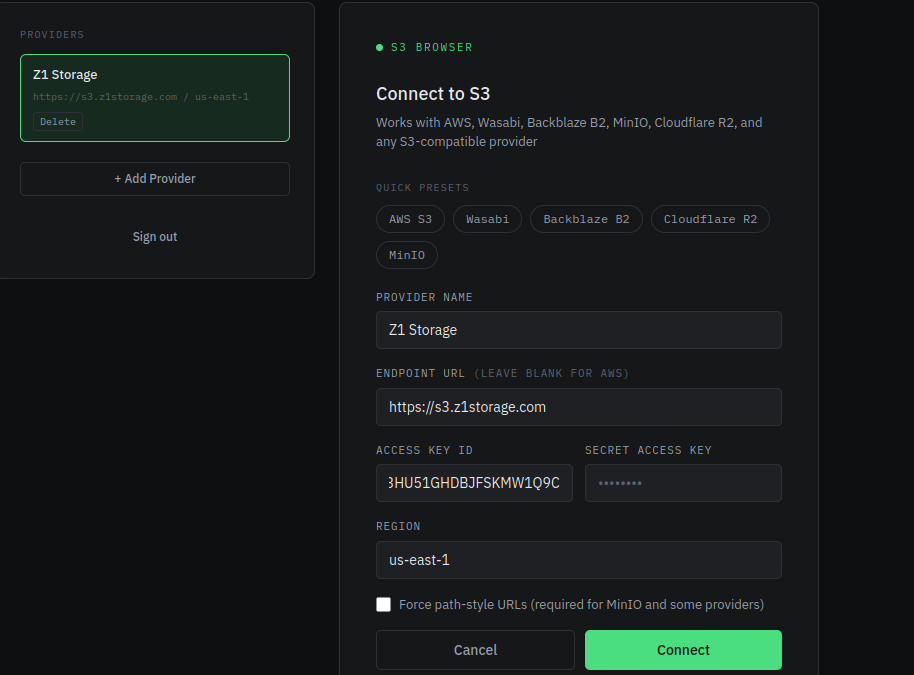
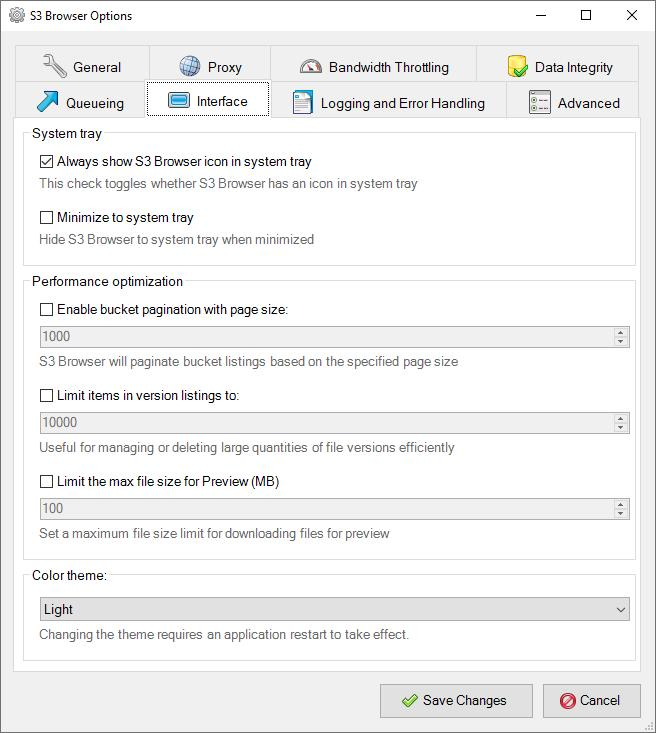
S3 Browser is a lightweight, self-hosted web UI that lets you connect to any S3-compatible provider and manage your storage from a single interface.
No vendor lock-in.
No bloated dashboards.
Just a clean, fast UI that does exactly what you need.
⚡ Why This Exists
Most object storage tools are designed for:
- APIs
- Automation
- SDKs
Not humans.
That becomes a problem when you need to:
- Browse buckets quickly
- Upload files (especially large ones)
- Share access with clients or teammates
- Verify data without writing scripts
S3 Browser fills that gap.
🧠 Key Features
🔌 Multi-Provider Support
Works with:
- AWS S3
- Wasabi
- Backblaze B2
- Cloudflare R2
- MinIO
- Any S3-compatible backend
Switch between providers instantly from the UI.
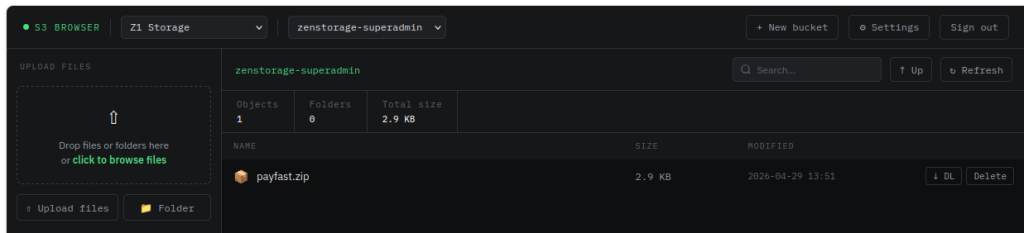
📂 Clean Bucket Navigation
- Browse buckets and folders
- Breadcrumb navigation
- Search within folders
- Fast and responsive
📤 High-Performance Uploads
- Drag-and-drop uploads
- Multipart upload support
- Upload queue with concurrency (3 uploads at once)
- Real-time progress tracking
No more guessing if your upload worked.
🔐 Secure Downloads
- Files are served via presigned URLs
- Links expire automatically (5 minutes)
- No credential exposure
🔒 Built with Security in Mind
- Credentials stored only in session (not disk)
- Login-protected UI
- Session expiry (24 hours)
Designed to run safely behind a reverse proxy with HTTPS.
🐳 Quick Start
If you’re running Docker (you probably are):
docker compose up -dThen open:
http://localhost:5000Set a proper password:
APP_PASSWORD=yourpassword docker compose up -d🧩 Where This Fits
S3 Browser works perfectly as:
- A DevOps utility tool
- A client upload portal
- A multi-cloud storage manager
- A homelab UI for MinIO
- A lightweight alternative to cloud dashboards
Think of it as:
💡 Final Thoughts
The infrastructure behind object storage is incredibly powerful—but the UX hasn’t kept up.
S3 Browser fixes that with:
- Speed
- Simplicity
- Compatibility
No fluff. Just a tool that works.